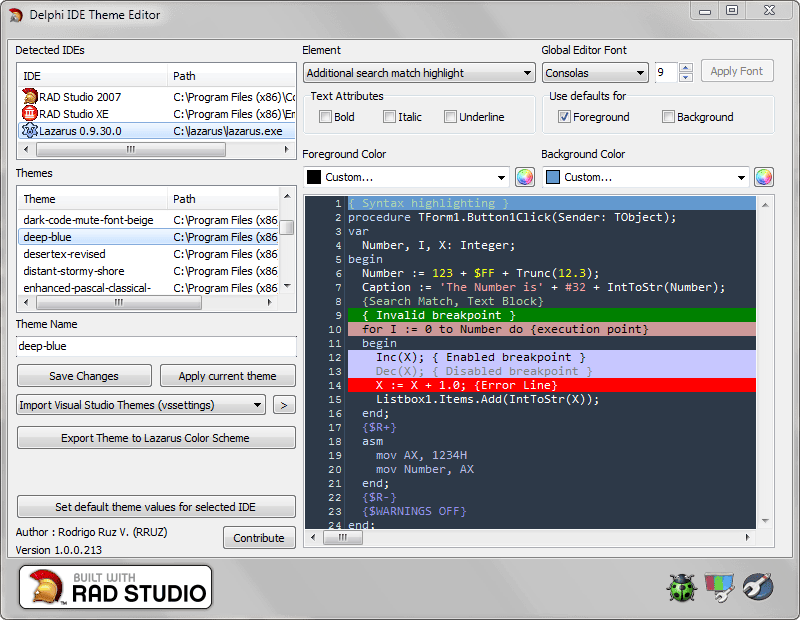
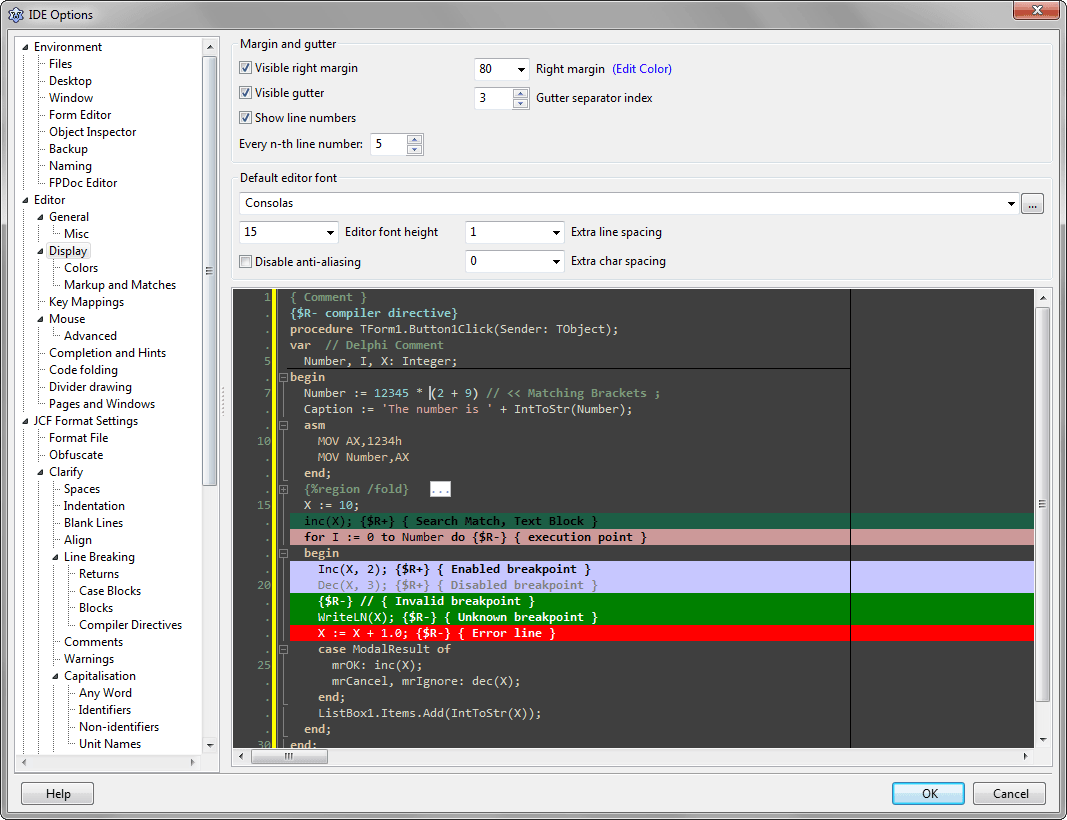
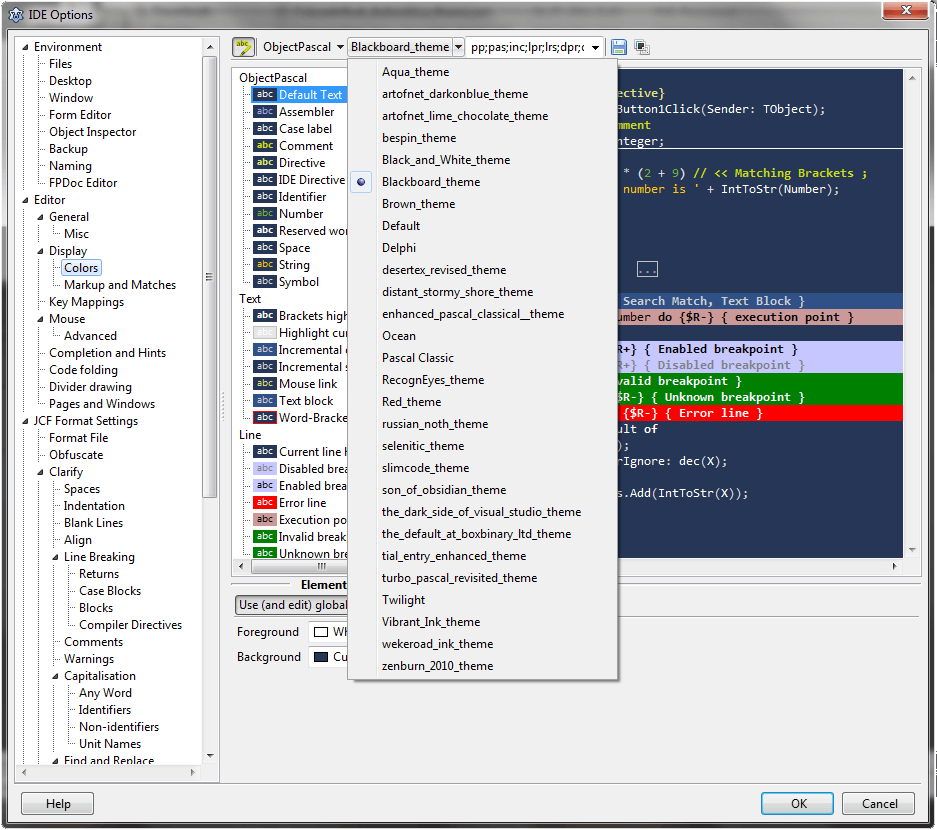
 The Delphi IDE Theme Editor now supports the Lazarus IDE , so you can use any of the themes included in the installer or make your own theme. you can add the themes to the Lazarus IDE coping the generated themes (check the Themes Lazarus folder in the installation path or download the included Lazarus themes from here) to the primary_conf_path/userschemes/ folder (example in windows vista the folder is C:\Users\<Windows User>\AppData\Local\lazarus\userschemes) or let to the tool apply the current theme to Lazarus IDE.
For more information about the Lazarus color schemes check these articles
ScreenShots