
UPDATE
The new page of this project is hosted in Github.
Introducing the WMI Delphi Code Creator © tool allows you to generate delphi code that uses WMI to complete a management task such as querying for wmi data.
This freeware tool is inspired by the WMI Code Creator.
Features
- Create full delphi console project
- Create a 100% functional delphi procedure wich encapsulates the logic to retrieve WMI information
- Full access to metadata of any WMI Class registered in the system
- direct link to MSDN web page containig a description of the WMI Class
Todo
- support fo call WMI methods.
- support for WMI events
- remote WMI support
- Support more programming languages (delphi-prism, C++ builder)
- Dynamic execution of generated code.
- and more….
Used tools for write this application
- Delphi 2007 win32
- PNG Components Delphi by Gustavo Daud all rights reserved.
- SynEdit version 2.0.3 http://sourceforge.net/projects/synedit/ all rights reserved.
- AsyncCalls 2.96 Copyright © 2008-2010 Andreas Hausladen all rights reserved. http://andy.jgknet.de/blog/?page_id=100
Recommended Links about WMI
- WMI Code Creator v1.0
- A Primer on WMI queries with VBScript
- WMI Scripting Primer: Part 1
- WMI Scripting Primer: Part 2
- WMI Scripting Primer: Part 3
Screenshots
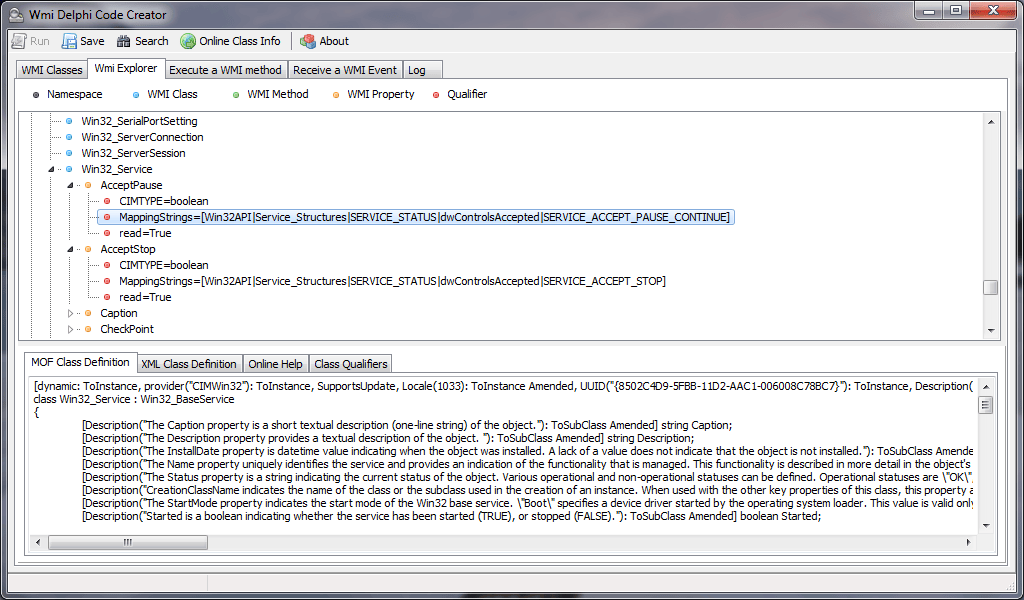
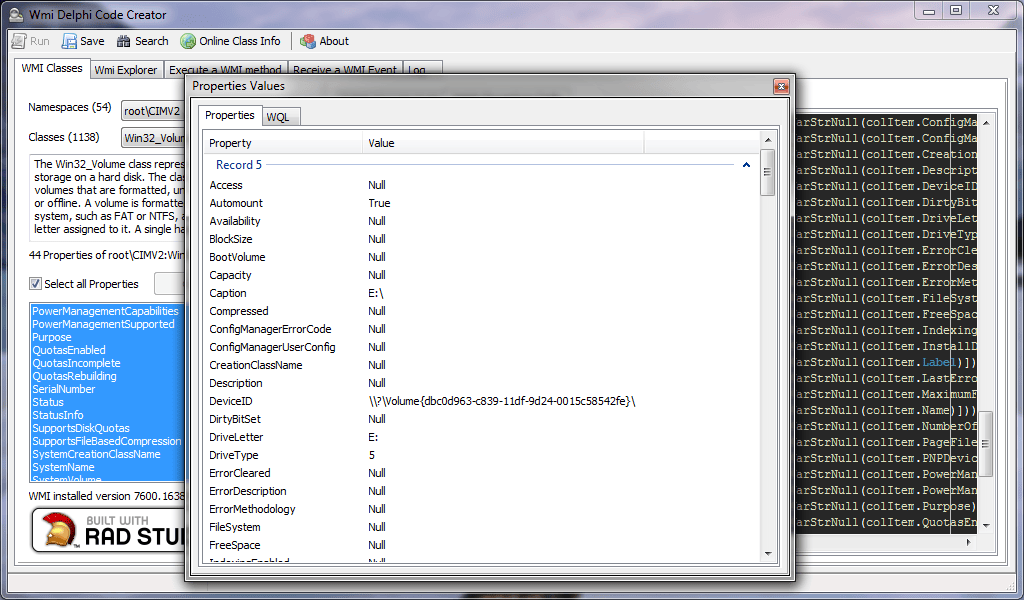
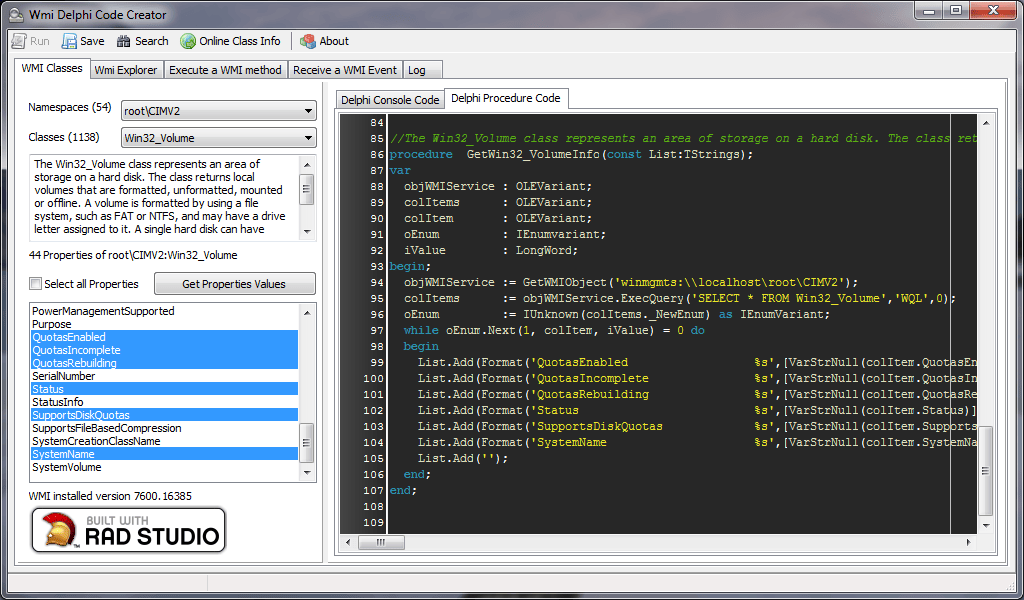
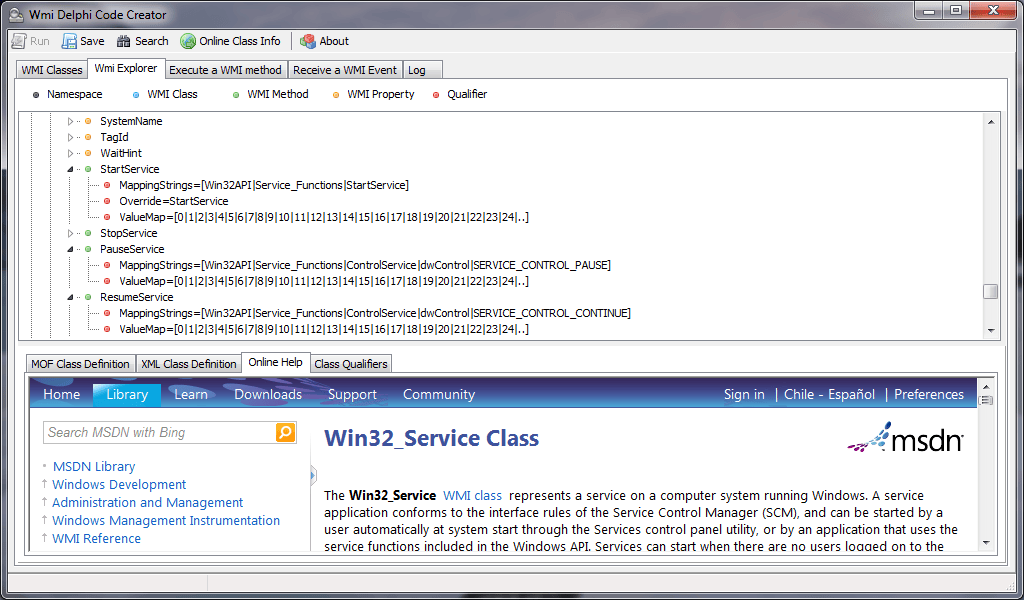
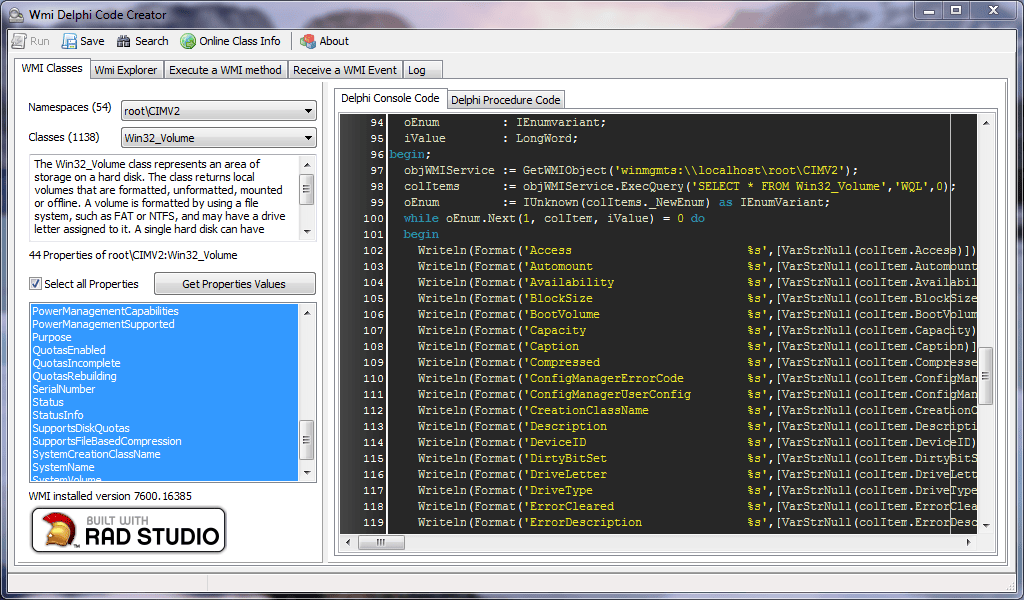
sample code generated by the application
[sourcecode language=”delphi” wraplines=”false”]
//——————————————————————————
// This code was generated by the Wmi Delphi Code Creator
// Version: 1.0.0.1
//
//
//
// LIABILITY DISCLAIMER
// THIS GENERATED CODE IS DISTRIBUTED "AS IS". NO WARRANTY OF ANY KIND IS EXPRESSED OR IMPLIED.
// YOU USE IT AT YOUR OWN RISK. THE AUTHOR NOT WILL BE LIABLE FOR DATA LOSS,
// DAMAGES AND LOSS OF PROFITS OR ANY OTHER KIND OF LOSS WHILE USING OR MISUSING THIS CODE.
//
//
//——————————————————————————
program GetWMI_Info;
{$APPTYPE CONSOLE}
uses
SysUtils,
ActiveX,
ComObj,
Variants;
function VarArrayToStr(const vArray: variant): string;
function _VarToStr(const V: variant): string;
var
Vt: integer;
begin
Vt := VarType(V);
case Vt of
varSmallint,
varInteger : Result := IntToStr(integer(V));
varSingle,
varDouble,
varCurrency : Result := FloatToStr(Double(V));
varDate : Result := VarToStr(V);
varOleStr : Result := WideString(V);
varBoolean : Result := VarToStr(V);
varVariant : Result := VarToStr(Variant(V));
varByte : Result := char(byte(V));
varString : Result := String(V);
varArray : Result := VarArrayToStr(Variant(V));
end;
end;
var
i : integer;
begin
Result := ‘[‘;
if (VarType(vArray) and VarArray)=0 then
Result := _VarToStr(vArray)
else
for i := VarArrayLowBound(vArray, 1) to VarArrayHighBound(vArray, 1) do
if i=VarArrayLowBound(vArray, 1) then
Result := Result+_VarToStr(vArray[i])
else
Result := Result+’|’+_VarToStr(vArray[i]);
Result:=Result+’]’;
end;
function VarStrNull(const V:OleVariant):string; //avoid problems with null strings
begin
Result:=’Null’;
if not VarIsNull(V) then
begin
if VarIsArray(V) then
Result:=VarArrayToStr(V)
else
Result:=VarToStr(V);
end;
end;
function GetWMIObject(const objectName: String): IDispatch; //create the Wmi instance
var
chEaten: Integer;
BindCtx: IBindCtx;
Moniker: IMoniker;
begin
OleCheck(CreateBindCtx(0, bindCtx));
OleCheck(MkParseDisplayName(BindCtx, StringToOleStr(objectName), chEaten, Moniker));
OleCheck(Moniker.BindToObject(BindCtx, nil, IDispatch, Result));
end;
//
procedure GetWin32_ShareInfo;
var
objWMIService : OLEVariant;
colItems : OLEVariant;
colItem : OLEVariant;
oEnum : IEnumvariant;
iValue : LongWord;
begin;
objWMIService := GetWMIObject(‘winmgmts:\\localhost\root\CIMV2’);
colItems := objWMIService.ExecQuery(‘SELECT * FROM Win32_Share’,’WQL’,0);
oEnum := IUnknown(colItems._NewEnum) as IEnumVariant;
while oEnum.Next(1, colItem, iValue) = 0 do
begin
Writeln(Format(‘AccessMask %s’,[VarStrNull(colItem.AccessMask)]));
Writeln(Format(‘AllowMaximum %s’,[VarStrNull(colItem.AllowMaximum)]));
Writeln(Format(‘Caption %s’,[VarStrNull(colItem.Caption)]));
Writeln(Format(‘Description %s’,[VarStrNull(colItem.Description)]));
Writeln(Format(‘InstallDate %s’,[VarStrNull(colItem.InstallDate)]));
Writeln(Format(‘MaximumAllowed %s’,[VarStrNull(colItem.MaximumAllowed)]));
Writeln(Format(‘Name %s’,[VarStrNull(colItem.Name)]));
Writeln(Format(‘Path %s’,[VarStrNull(colItem.Path)]));
Writeln(Format(‘Status %s’,[VarStrNull(colItem.Status)]));
Writeln(Format(‘Type %s’,[VarStrNull(colItem.Type)]));
Writeln(”);
end;
end;
begin
try
CoInitialize(nil);
try
GetWin32_ShareInfo;
Readln;
finally
CoUninitialize;
end;
except
on E:Exception do
begin
Writeln(E.Classname, ‘:’, E.Message);
Readln;
end;
end;
end.
[/sourcecode]
Download from here.
Notice for Windows Vista, Windows 7 and Windows 2008 users, this application requires run as administrator.


